
All your cameras, the whole archive — in one console
Cloud or local NVR with AI object detection. Connect your cameras and get secure remote access plus a recording archive — in minutes, with no port forwarding.
Live · 4 cameras
All onlinearchive 30 d · 41%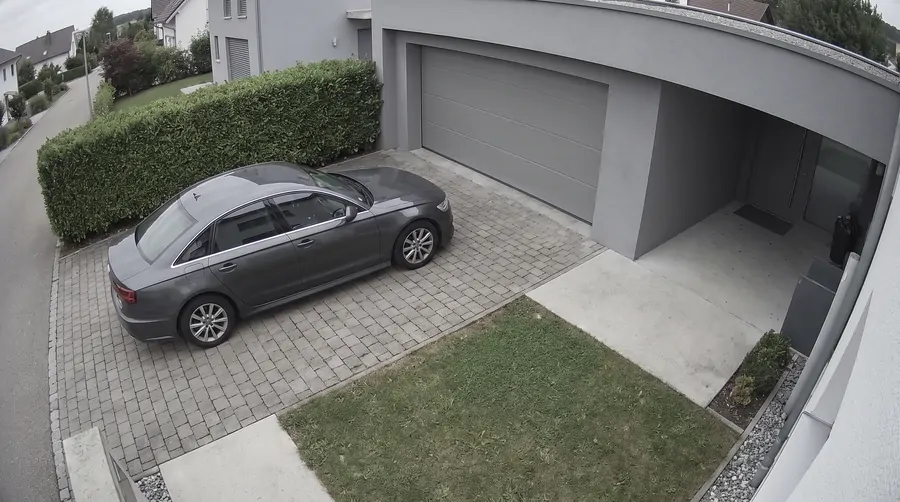 CAM 01 · DRIVEWAY14:02:17
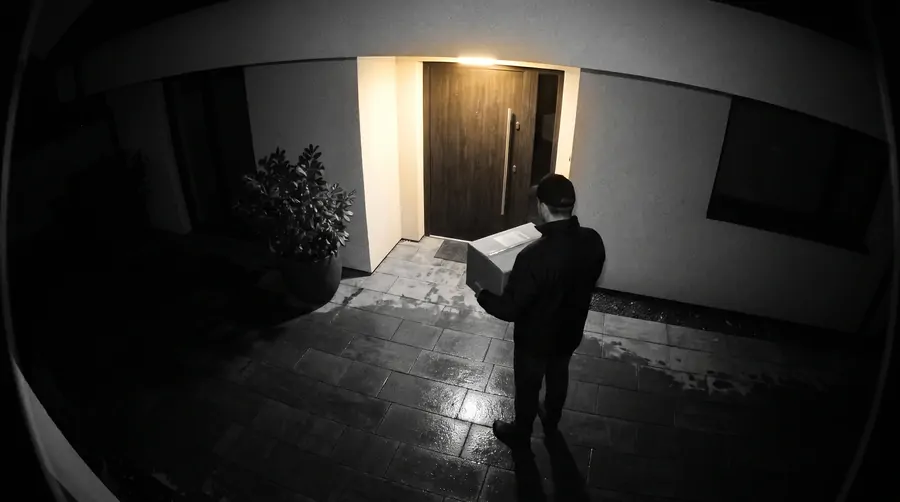 CAM 02 · FRONT DOOR14:02:17
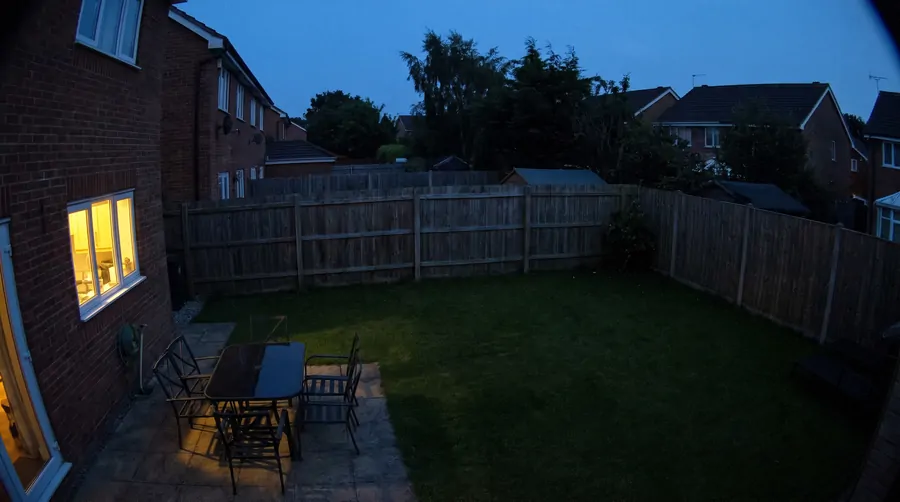 CAM 03 · YARD14:02:17
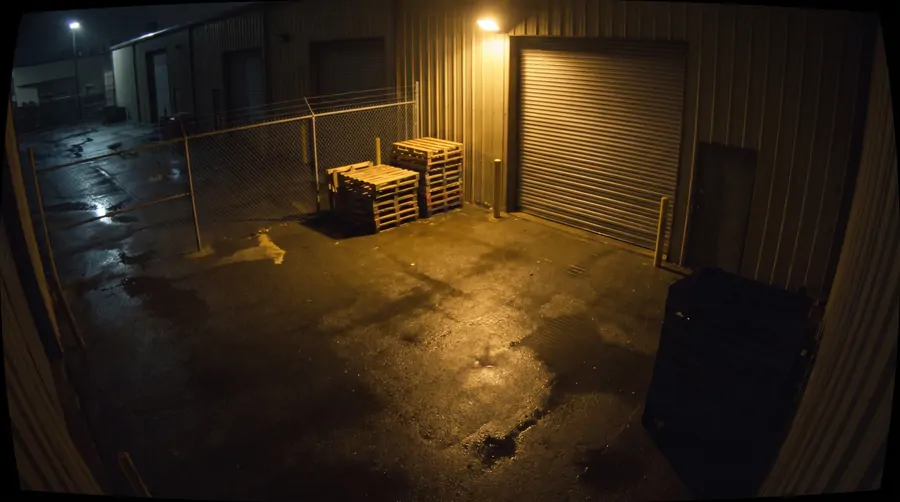 CAM 04 · WAREHOUSE14:02:17
Data-center locationsFalkensteinNurembergHelsinkiSingaporeHillsboroAshburn
See it in action
Round-the-clock recording with AI detection: objects in frame are labelled automatically, and the footage goes into an archive kept for 7, 14 or 30 days.
- Person
- Vehicle
- Animal
Demo footage — AI object detection
Everything you need for video surveillance
No static IP, no DDNS, no port forwarding. We take care of the infrastructure, updates and monitoring.
Continuous recording
Round-the-clock recording from your cameras with AI object detection: people, vehicles, animals. No missed events.
Archive up to 30 days
Flexible retention: 7, 14 or 30 days. Old recordings are cleaned up automatically, so you never run out of space.
One dashboard
Subscriptions, device status, balance and settings — in a single interface. Works the same on a phone as on a laptop.
Secure access
A WireGuard tunnel to your NVR. Watch your cameras from anywhere in the world — your router stays completely closed.
Hands-off maintenance
Updates, restarts after failures and agent monitoring — without your involvement. We fix things before you notice.
Up and running in minutes
The cloud NVR deploys automatically. For a local one, install the agent with a single command — that's it.
Pay only for cameras and archive
No hidden fees. The archive add-on is billed monthly together with the subscription.
The total updates instantly: subscription base plus the archive add-on, with a separate line per camera.
- Server in EU, USA, or Singapore
- Encrypted remote access to cameras
- Recording archive up to 30 days
2 cam
4 cam
8 cam
2 cam
4 cam
8 cam
Cloud or Local — how to choose?
I want a ready-made solution and don't want to administer anything
I want the recordings to physically stay with me
What it looks like day to day

Set up four cameras in one evening: no static IP and no port forwarding needed. I check the yard from my phone even when I'm away.

The archive turned out to be the most useful part. A courier came while I was out — I found the exact minute on the timeline in seconds.

I kept the recording on my own mini PC and handed remote access to the service. The agent updates itself, and I never touch router settings any more.

Detection tells people from vehicles, so notifications actually matter instead of firing at every branch swaying outside.
Frequently asked questions
Can I cancel my subscription at any time?
Yes. Cancel from the dashboard in one click. The server stays active until the end of the paid period.
How does payment work?
You top up your account balance via PayPal, and the subscription fee is deducted from that balance automatically. No stored cards and no recurring charges you can't stop.
Where are the servers located?
Data centers in Germany (Falkenstein, Nuremberg), Finland (Helsinki), Singapore and the USA (Hillsboro and Ashburn). The NVR archive is available in EU locations only.
Do I need a static IP or port forwarding?
No. The connection runs over an outbound WireGuard tunnel from your network to our relay. Your router stays completely closed from the outside.
Ready to get started?
Sign up and connect your first camera in minutes.
- 01AccountCreate an account and top up your balance
- 02PlanChoose a cloud or local NVR
- 03CamerasConnect your cameras and open the archive
Get in touch
Questions, feedback, or partnership inquiries — we read everything.